Visual Interface: Tokens
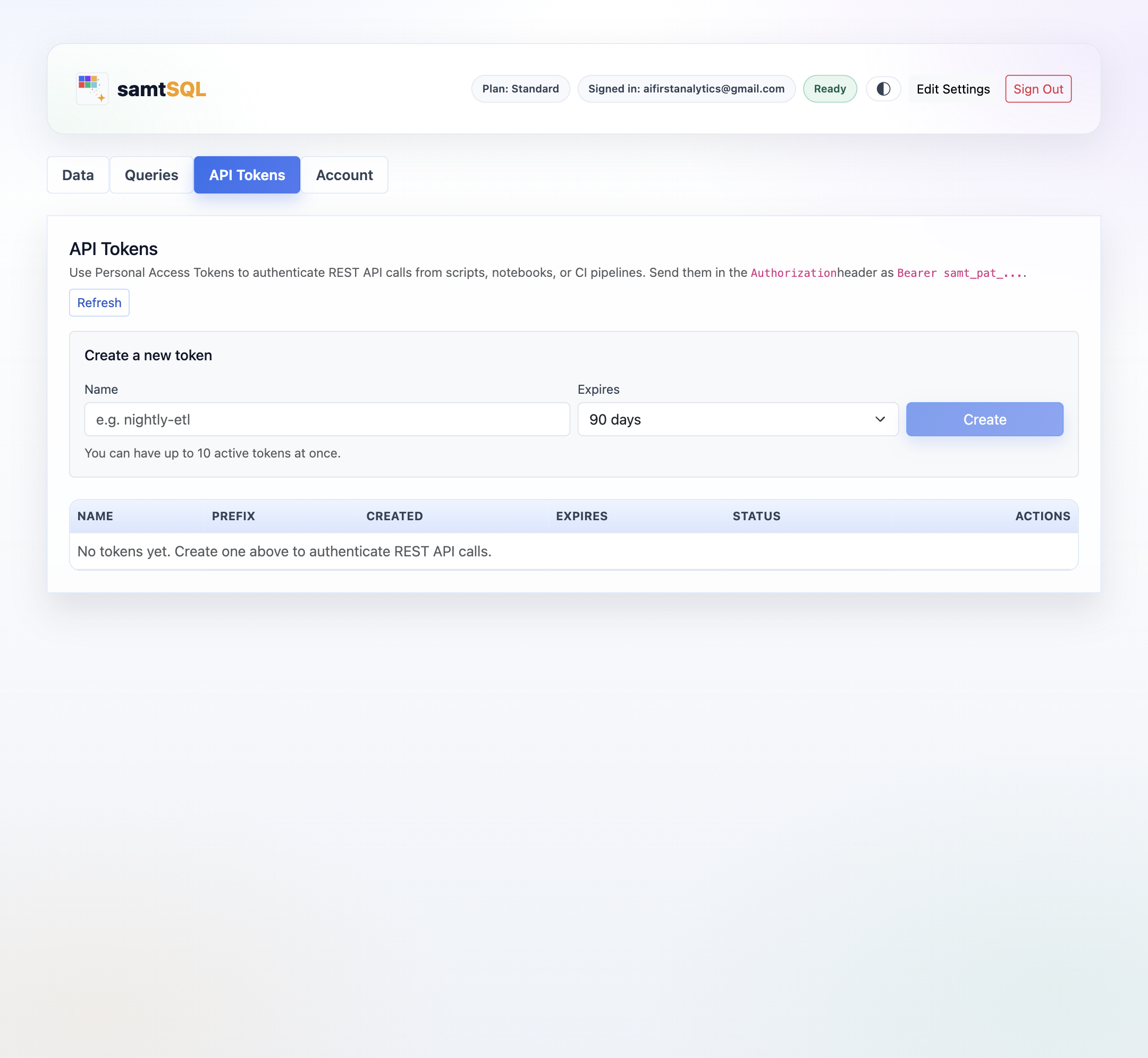
SamtSQL can be used via a REST API. This API uses tokens for authentication. The API Tokens tab allows you to create and manage such tokens, giving access to your account via the REST API.
Creating tokens
Enter a name for the new token to create, and choose an expiration time. Then, click on the Create button to create the token. After creating the token, the full generated token will be shown once. Click on Copy to copy the newly created token and store it in a save location. Then, click on Dismiss to close the dialogue.
Managing tokens
SamtSQL shows all generated tokens for your account in a table. By default, this table is periodically refreshed. To refresh it immediately, click on the Refresh button at the top of the page.
For each generated token, samtSQL shows the name, a prefix of the full token, the creation date and time, the expiration date and time, as well as the current status. The token can be used if the Status is set to Active.
You can revoke generated tokens anytime by clicking on the Revoke button next to the corresponding token.